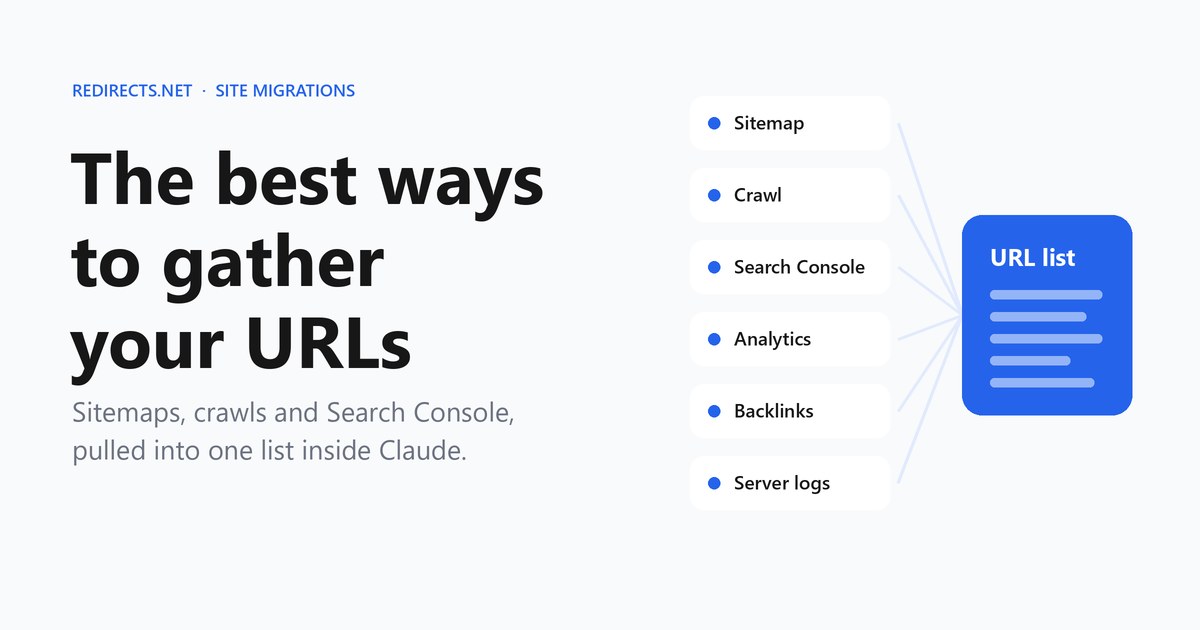
Every old URL missing from your redirect list returns a 404 on launch day. No single source holds the whole list: a sitemap leaves out the pages nobody declared, and a crawl leaves out the pages nothing links to. Which sources are worth your time? Which of them can you reach without leaving a chat with Claude? As of 28 November 2026, four of the tools migration teams already pay for publish a Claude connector, two more run as MCP servers on your own computer, and Redirects has a connector of its own, so one conversation can gather the list and match it.
Google’s migration guide names four places to look
Google’s site move guide tells you to map every current URL to its new address before the move, and it lists where the current URLs are: your sitemaps, your server logs or analytics for the URLs with the most traffic, the links report in Search Console for pages with internal and external links, and your content management system.
A crawl, a backlink tool, and the Wayback Machine cover what those four miss. The table shows what each source catches and how it reaches Claude.
| Source | What it catches | How it reaches Claude |
|---|---|---|
| Sitemap | Pages the site declares | The Redirects connector reads it |
| Crawl | Pages reachable by a link | Screaming Frog SEO Spider’s MCP server |
| Search Console | Pages Google has shown in search | The SEO Gets connector |
| Analytics | Pages people visited | Google’s Analytics MCP server |
| Backlinks | Pages other sites link to | Ahrefs, Semrush, or SE Ranking |
| Wayback Machine | Pages the site used to have | A query you run yourself |
The sitemap costs you one sentence
A sitemap is the fastest list to get, and the Redirects connector reads it for you. Give Claude the sitemap’s address, or the site’s home page, and Redirects finds the sitemap from the Sitemap: lines in robots.txt. It follows a sitemap index into its files and keeps up to 150,000 page addresses in one read.
Google limits one sitemap file to 50,000 URLs or 50MB uncompressed, so a store with 80,000 products has at least two files behind one index.
You can narrow a read to one part of the site by asking for the addresses whose path contains some text, such as /products/ or /blog/. The upload form at app.redirects.net reads a sitemap in place of either file as well.
A crawl finds the pages your sitemap left out
A sitemap holds what someone remembered to declare. A crawler follows every link on the live site and reports each page it reaches, with its status code.
Screaming Frog’s SEO Spider has had an MCP server since version 24. It runs on your computer inside the desktop app, so an assistant such as Claude Desktop can start a crawl and work with the export. Screaming Frog’s MCP server guide has the setup. Our guide to using Screaming Frog data with Redirects.net covers which columns of the export to keep.
Crawl the live site before the migration starts. A staging site does not have the URLs that only production has.
Search Console shows which old URLs still earn clicks
Search Console knows which of your pages Google has shown to searchers. That makes it the best source for deciding which redirects matter most.
SEO Gets puts that data inside Claude. Its setup page says SEO Gets is listed in the Claude and ChatGPT connector directories: you open the listing, click Connect, and approve access. The same page gives https://app.seogets.com/mcp as the address for a custom connector, and says MCP access needs a paid SEO Gets plan.
Once it is connected, you can ask for the pages of a Search Console property with their clicks and impressions.
That list ranks your pages by search value, and it will be missing some. Google’s Search Analytics API returns at most 25,000 rows a request, and its documentation says the API “does not guarantee to return all data rows but rather top ones.”
People reach some pages without ever searching
Email links, ads, and bookmarks send people to pages that never rank. Those pages show up in analytics.
Google publishes an MCP server for Google Analytics. It runs on your computer, reads your properties without changing them, and needs Python 3.10 or higher plus Google credentials. Google’s page gives the command that adds it to Claude Code and a configuration for Claude Desktop.
Other sites still link to pages you have removed
A page with links from other sites carries value that a redirect preserves, even when the page itself has been a 404 for a year. Three backlink tools publish their own way into Claude. Each uses your own account with the vendor.
- Ahrefs hosts an MCP server at
https://api.ahrefs.com/mcp/mcp. Its documentation says it is available on paid plans from Lite upward, and that requests use the plan’s API units. - Semrush offers its MCP as an official Semrush app inside Claude. Its developer page lists the plans that include it.
- SE Ranking offers an official connector for Claude, described on its MCP page. The data you can reach depends on your subscription.
The Wayback Machine remembers URLs the site forgot
Old campaigns, retired product lines, and a previous redesign leave URLs behind that no current tool lists. The Internet Archive’s CDX server returns every address it has captured for a domain. There is no connector for it, and you do not need one: the query is a web address.
http://web.archive.org/cdx/search/cdx?url=example.com&matchType=domain&collapse=urlkey&fl=original&limit=1000
matchType=domain includes subdomains, collapse=urlkey returns each address once, and fl=original keeps only the URL column.
One chat can gather the list and match it
With the Redirects connector added beside any of the tools above, the list never has to leave the conversation. The connector page has the setup steps. The address to add is https://app.redirects.net/mcp, and it works in Claude and in ChatGPT.
A request can then name both tools:
Use SEO Gets to list the pages of example.com that had clicks in 2026. Read the sitemap at new.example.com. Then match the old pages to the new ones with Redirects.
Redirects returns each old URL beside its closest new URL, with a score from 0 to 1. Every old URL stays in the result, including the ones with no match. You can ask for the rows worth checking, for the full CSV, or for a file ready for Shopify’s redirect import. Matches started through the connector are free.
A list that travels through the chat holds up to 2,000 URLs for each side, because the assistant has to write every URL out to hand it from one tool to the next. A sitemap read does not pass through the chat, so it holds up to 150,000. A longer list from another tool goes in as a CSV uploaded at app.redirects.net.
Merge the sources before you match
Each source repeats URLs the others have, and each has a few the others lack. Combine them into one list and remove the duplicates before you start a match. Keep the 404 pages that have backlinks or search clicks, because those are the redirects with something to preserve.
Our longer guide, How to Gather Every Important URL for 301 Redirects, walks through status codes, existing redirect tables, and building one unified list.